
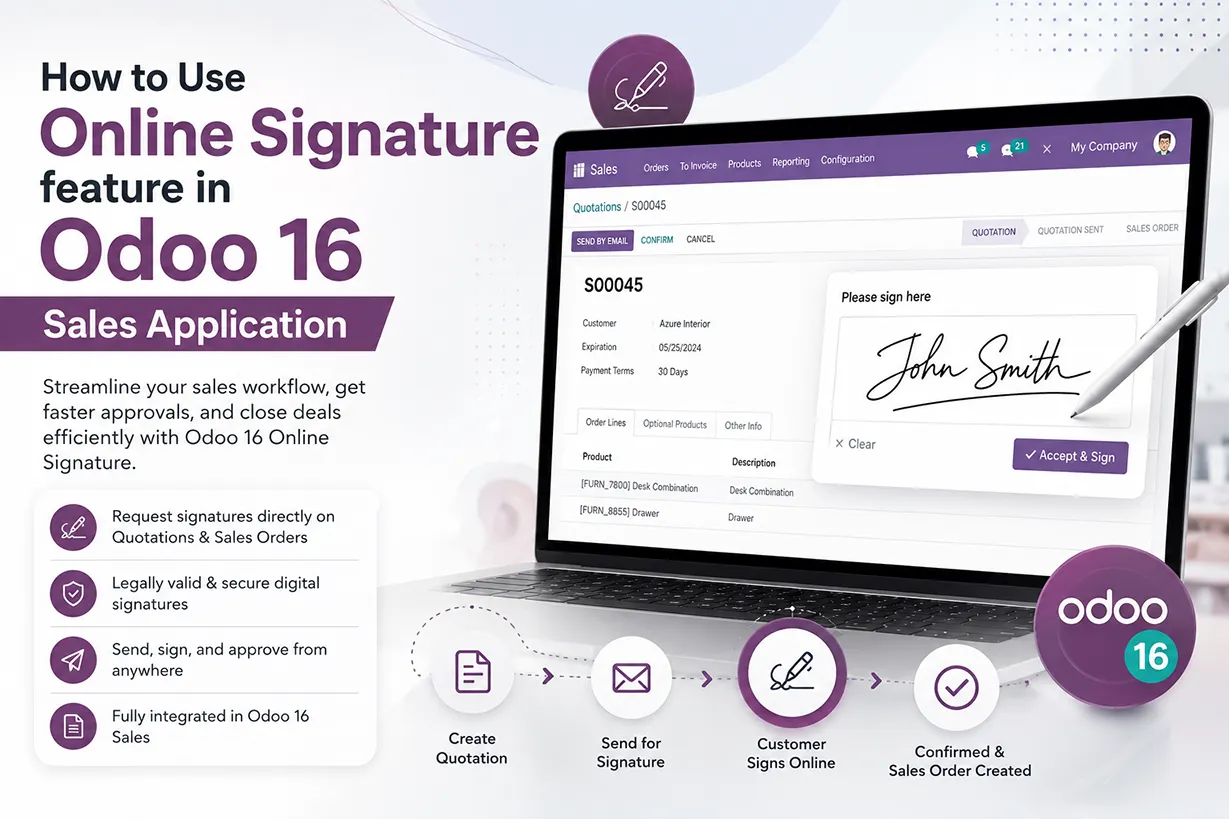
What Is Odoo 16 Online Signature?
Odoo 16 Online Signature allows businesses to obtain customer approval electronically without relying on printed documents or manual paperwork. Instead of printing a sales quotation, signing it physically, scanning the document, and sending it back, customers can review the quotation and provide their electronic signature directly through Odoo 16 Sales. As a result, businesses can reduce administrative work while keeping the sales confirmation process simple and efficient. The Odoo online signature feature also makes it easier for sales teams to manage customer approvals because the signed quotation remains connected to the corresponding sales order.
Moreover, Odoo 16 integrates the online signature process directly into the quotation workflow. Therefore, sales representatives do not need to use a separate electronic signature platform for every customer approval. Once the company enables online signatures, customers can access the quotation through the customer portal or a shared quotation link. They can then review the products, prices, payment terms, delivery information, and other quotation details before signing. This creates a smooth digital sales experience and helps companies move from quotation to confirmed sales order more quickly.
Benefits of Using Online Signatures in Odoo 16 Sales
The Odoo 16 Sales online signature feature can significantly improve the quotation approval process. Traditionally, businesses may need to print quotations, obtain handwritten signatures, scan the documents, and manually update the sales status. This process can create unnecessary delays, particularly when customers and sales representatives work from different locations. With an online signature, customers can approve quotations digitally from a computer, tablet, or smartphone. Consequently, sales teams can reduce waiting time and respond to customer approvals much faster.
In addition, digital signatures improve document management because Odoo stores the signature information and related quotation details within the sales workflow. Sales representatives can therefore track customer actions without maintaining multiple paper documents or email attachments. The electronic approval process also supports a more professional customer experience. Customers can open a quotation, review the information, sign it, and continue with payment when required. As a result, Odoo 16 online signatures help businesses create a faster, more organized, and customer-friendly sales process.
How Online Signature Improves the Odoo 16 Sales Workflow
The online signature feature works particularly well when a business follows a quotation-based sales process. First, the sales team creates a quotation with the required products or services, prices, taxes, delivery details, and payment terms. Next, the quotation reaches the customer through email or the customer portal. The customer can review the proposal and either accept it or provide feedback. When the quotation requires a signature, the customer can use the online signing option to confirm acceptance.
Furthermore, this digital workflow reduces the number of manual steps between quotation creation and sales order confirmation. Once the customer signs the quotation, Odoo records the action and updates the relevant information in the sales document. If the company also enables online payment, the customer can complete the payment as part of the same digital process. Therefore, businesses can combine quotation review, electronic signature, payment, and order confirmation into a connected workflow. This is especially useful for companies that handle a high volume of quotations and need a reliable way to manage customer approvals.
Setting for Enabling E-Signature in Sales Application
Odoo provides the feature of signing documents online to give confirmation on orders in real-time by customers thus enabling faster decision-making process which is crucial in competitive business environments.
After we draft a quote and send it to the client, they will review it, let us know if they are satisfied, and then approve the quote. In this blog, let us see how customers can confirm orders by signing quotations in Odoo 16 Sales module.
We have a setting to be activated for the customers to sign and confirm orders digitally which can be seen in the settings of sales module.
Sales Application => Configuration menu => Settings => Quotations and Orders section => Online Signature => Save

Similar to how we activated the Online Signature option, you can also allow the consumer to use the online payment option at the time of order confirmation by activating it from the Settings here.
Benefits of Using Online Signatures in Odoo 16 Sales
Let us now create a new quotation to understand how customers can sign and confirm their orders online.

Creating a Sales Quotation for Online Signature
Select the Customer first. Next, include information about the quote template, delivery address, expiration date, pricelists, invoice address, and referrer. It is also possible to provide specifics like the price list and the terms of payment. We might choose Deco Addict as our client here. The ‘Order Lines’ tab allows you to input the product’s details. As an additional offering, let’s add the Cabinet with Doors. There will be a display of the following details: Description, Quantity, Unit of Measure, Unit Prize, Subtotal, and others. Let’s now select the ‘Other Info’ tab.

You will find the Online confirmation option under the Other Info tab for both Online Signature and Online Payment. You will need to enable the Online Payment option from the Settings window in order to view it, just like we did with the Online Signature option. To automatically confirm orders, you can activate this feature to ask the customer to sign online.
After providing all the necessary details in the quotation, you can send the quotation by email to the customer for confirmation by selecting the ‘Send by Email’ option after saving the quotation.

How Online Signature Improves the Odoo 16 Sales Workflow
After reviewing the draft mail, click on the ‘Send’ option. Now, the quotation will be send to the customer via email and the status of the quotation is changed from ‘Quotation’ to ‘Quotation Sent’.
You may now see the ‘Share’ option under the ‘Actions’ menu. You can send the customer another email by using the share button.

By selecting the Share button, you will be able to share the document with others. You can enter the recipients from here. We can also add a note in the ‘Note’ field and click on the ‘Send’ option.

Another email has been sent to the recipient as soon as you click the ‘Send’ button. You may see the specifics under the Chatter section. Deco Addict is welcome to click on the following link and access the quotation.

Click on the ‘Open S00087’ button as you can see from the screenshot above to access the quotation.
There is also another method to access the quotation by the customers through logging in to their portal. We can also view the quotation without logging in to customer’s portal by selecting the ‘Customer Preview’ smart button at the top-right side of the quotation form.

The system will launch the new window that appears below as soon as you click the Customer Preview button.

The details as displayed in the above image will be visible to the consumer when they access their customer portal. They can view the shipping address, invoice number, expiration date, quotation number, and quotation date here. They can also view the terms and conditions, payment terms, pricing information, and other facts. The consumer can observe the Download, Print, Sign & Pay choices in the left portion of the Quotation.

The consumer can download the paper by selecting the ‘Download’ option, or print it by selecting the ‘Print’ option. Both the bottom of the right side and the left side have the Sign & Pay option. The document also includes the options to reject and provide feedback. The consumer can click the ‘Sign & Pay’ option if they are prepared to accept the quotation. The system displays the pop-up window below when the user clicks the button.

The customer is about to accept the quotation for a selling order by signing the proposal. Here, you can sign using a variety of options and styles, including Auto, Draw, and Load. By using the ‘Draw’ option, you can manually sign documents. The customer can auto-sign by selecting the ‘Auto’ option. Alternatively, they can choose the ‘Load’ option to upload an existing signature file. After adding the signature, the customer can click the ‘Accept & Sign’ button to approve the quotation.

The consumer can now see the notification letting them know that their order has been signed and that payment is required to validate it. In order to confirm, the consumer must pay for this order.
Now, when you return to the back end, the order signed details are shown in the Log note section of the Quotations window. Additionally, the PDF will be attached here, as seen in the picture below.

You can see from looking at these facts that the customer has accepted your quotation and expressed interest in it. After that, the consumer can validate the order by completing the payment process. For that the customer need to click the ‘Pay Now’ button and confirm the order.

The system will show another window, similar to the one in the image below, when you click the ‘Pay Now’ button.

This window shows the specifics of the payment acquirers that are accessible. After selecting the appropriate payment acquirer, press the ‘Pay’ button. The client will now receive a notice confirming the successful processing of the payment.

Let’s return to the Quotation window now. As you can see, the quotation’s status has been automatically updated to the ‘Sales Order’ stage. The details are also visible in the ‘Log note’ area at the right side of the window.

In summary, leveraging online signatures in the order confirmation process enhances speed, accessibility, security, and overall efficiency in sales operations. This modern approach aligns with the digital transformation of business processes and contributes to a more agile and customer-centric sales environment.
With Infintor Solutions, you can have the best practices to optimize your business operations with just a few clicks.
Odoo 16 Electronic Signature for Remote Sales Teams
Remote sales have become increasingly important for modern businesses, and Odoo 16 online signatures support this working model effectively. A sales representative can send a quotation to a customer regardless of their location, while the customer can review and sign the document without visiting the company office. Consequently, businesses can serve customers across different cities, regions, and countries without depending on physical paperwork.
This flexibility can also shorten the sales cycle. For example, when a customer receives an urgent quotation, they can review and sign it immediately instead of waiting for a printed document or an in-person meeting. At the same time, the sales team can monitor the quotation and continue the next steps after receiving customer approval. Therefore, Odoo electronic signatures provide a practical solution for businesses that want to digitize their sales operations and improve response times.
Digital Quotation Approval and Customer Experience
A simple quotation approval process can have a direct impact on customer satisfaction. Customers generally prefer processes that require fewer unnecessary steps, particularly when they already know which products or services they want to purchase. Odoo 16 makes the approval process more convenient by allowing customers to access quotations online and complete the required action digitally. Instead of handling physical documents, customers can review the proposal and sign it from their preferred device.
In addition, the online quotation process gives customers better visibility into the information they are approving. They can review pricing, products, payment terms, delivery information, and other quotation details before providing their signature. This transparency helps reduce confusion and supports better communication between customers and sales teams. Consequently, businesses can use Odoo 16 online signatures not only to accelerate sales but also to create a more consistent and convenient customer journey.
Why Businesses Should Use Odoo 16 Online Signature
Businesses that still depend heavily on manual quotation approvals can benefit from moving to a digital signing process. Odoo 16 brings the online signature feature directly into the Sales application, which helps companies avoid unnecessary switching between different applications. Sales representatives can create quotations, communicate with customers, obtain signatures, and manage sales orders within one integrated ERP environment.
More importantly, online signatures can help businesses improve operational efficiency as their sales volume grows. A company may process dozens or hundreds of quotations every month, and manually tracking every signed document can become difficult. With Odoo 16, the quotation remains part of the sales workflow, making it easier for the sales team to follow customer approvals and take the next action. Thus, Odoo online signature can become an important part of a broader digital transformation strategy.
Odoo 16 Online Signature and Sales Automation
Odoo 16 combines online signatures with other Sales features to create a more automated quotation management process. Businesses can configure quotation templates, payment options, customer portals, automated communication, and online confirmation according to their requirements. When these features work together, sales teams can reduce repetitive administrative tasks and focus more on customer engagement and business development.
For example, a company can create a quotation using a predefined template, send it electronically to the customer, allow the customer to sign online, and request payment when necessary. Once the required steps are completed, the quotation can progress through the sales workflow without extensive manual intervention. Therefore, Odoo 16 Sales provides a connected environment for managing digital quotations, customer approvals, and sales order confirmation.
Conclusion: Streamline Sales with Odoo 16 Online Signature
Odoo 16 Online Signature provides a convenient way to digitize quotation approval and customer confirmation. By replacing physical signatures with electronic approval, businesses can reduce paperwork, accelerate quotation processing, and improve communication with customers. At the same time, the integration with Odoo 16 Sales allows sales teams to manage quotations and signed documents within a single ERP platform.
Ultimately, businesses can use Odoo 16 online signatures to create a faster, more flexible, and more efficient sales process. Whether you manage B2B quotations, service contracts, product sales, or recurring customer orders, digital signature capabilities can help reduce delays and improve the overall customer experience. With the right Odoo configuration and implementation strategy, companies can take full advantage of online quotation confirmation and build a more streamlined digital sales workflow.